Sign PDF
Draw, type or upload your signature and place it on any page of a PDF.
What you get: your PDF with a picture of your signature on it. This is not a certified digital signature. Nothing in the file shows who signed it, and we do not check. The rest of the PDF stays as it is, and its text stays text.
Keep this page open until it finishes.
How to sign a PDF
-
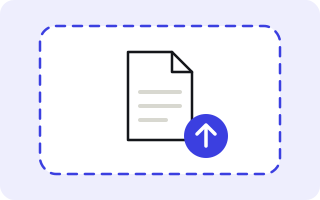
1. Add your PDF
Choose a PDF or drop it on the page. Files up to 50 MB are accepted. Up to 100 pages.
-
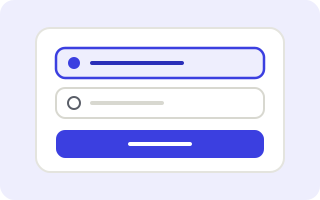
2. Make your signature
Draw it with a mouse, finger or pen, type your name, or choose a PNG or JPEG picture of your signature.
-
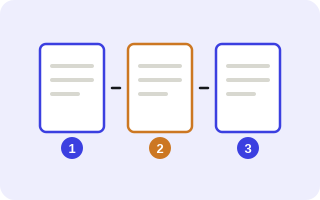
3. Place it on the page
Drag the box where the signature should go and drag its corner to resize it. Add the date if you want it, and repeat on other pages.
-
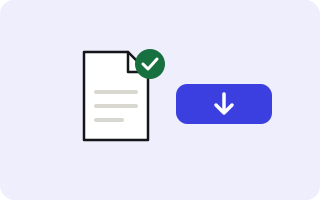
4. Download the signed PDF
Your signature is on the pages you chose. Download the new PDF. You can delete it from our server straight away with Delete now.
Sign PDF: questions and answers
Is this a digital signature?
No. It puts a picture of your signature, or your typed name, on the page. There is no certificate, nothing in the file shows who signed it or whether it changed afterwards, and we do not check who you are. Whether the person you send it to accepts it is up to them.
Is the rest of my PDF changed?
No. The signature is added on top of the pages you choose. The text stays text, and the pages keep their size and turn.
Can I sign without a mouse?
Yes. Type your name or choose a picture, press Place signature, then use the arrow keys to move the box and Shift plus the arrow keys to resize it. Drawing needs a mouse, a finger or a pen.
Do you keep my signature?
No. The picture of your signature is deleted as soon as the signed PDF is made, and so is the PDF you uploaded. The signed PDF is deleted within 1 hour like every other result.
What can I type or upload?
A typed signature can use letters of Western European languages, up to 40 characters, and is set in an italic typeface. An uploaded picture must be a PNG or JPEG of up to 5 MB. A PNG with a transparent background looks best.
Is it safe to upload my files?
Files are used only to do the task you asked for. Your files and results are deleted within 1 hour of your last upload, and the Delete now button removes them immediately. The one exception is a PDF you choose to share with Share PDF: it is kept for 24 hours, or until you delete it.
Do I need an account?
No. There is no sign-up, and results carry no watermark.
What is the size limit?
Up to 50 MB per task.
Are uploads checked for viruses?
Yes. Every upload is scanned before it is processed, and a file that is flagged is refused and deleted.