Form filler
Fill in the fields of a PDF form: text, checkboxes, choices. Keep the fields editable, lock them or flatten them into the page.
How to fill in a PDF form
-
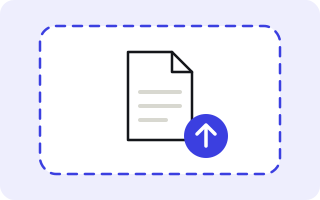
1. Add your PDF form
Choose a PDF or drop it on the page. Files up to 50 MB are accepted.
-
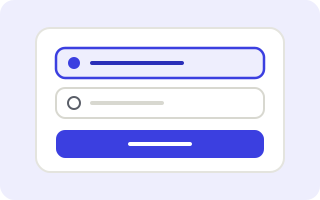
2. Fill in the fields
The fields of the PDF are shown as a form, each with the name the PDF gives it. Under After filling, choose whether the fields stay editable, become read-only or are flattened into the page.
-
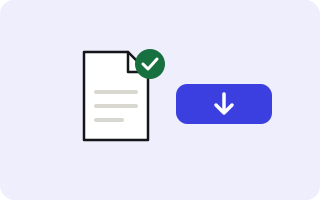
3. Download the filled PDF
Download the new PDF. You can delete it from our server straight away with Delete now.
Form filler: questions and answers
What if my PDF has no form fields?
You are told so. A PDF that only looks like a form, with lines to write on, has no fields to fill in. Use Edit PDF to add text on top of its pages instead.
Can I type in any language?
Only Latin letters, with accents and common punctuation. The form's own font draws the text, and it can't show other alphabets such as Cyrillic or Chinese, or emoji, so a field that has them is refused with a message.
What do the After filling choices do?
Keep editable leaves the fields as they are, so you can fill them again later. Lock makes them read-only in PDF apps that respect that. Flatten turns the fields into plain page content: the text stays text, and the form, comments and links are removed.
Why can't I change some fields?
A field the PDF marks read-only is shown but can't be changed. A list box that takes several choices is left as it is.
Is it the same as signing?
No. Nothing here signs the file or proves who filled it in.
Is it safe to upload my files?
Files are used only to do the task you asked for. Your files and results are deleted within 1 hour of your last upload, and the Delete now button removes them immediately. The one exception is a PDF you choose to share with Share PDF: it is kept for 24 hours, or until you delete it.
Do I need an account?
No. There is no sign-up, and results carry no watermark.
What is the size limit?
Up to 50 MB per task.
Are uploads checked for viruses?
Yes. Every upload is scanned before it is processed, and a file that is flagged is refused and deleted.